Top Business Tools to Maximize Productivity for Small Businesses

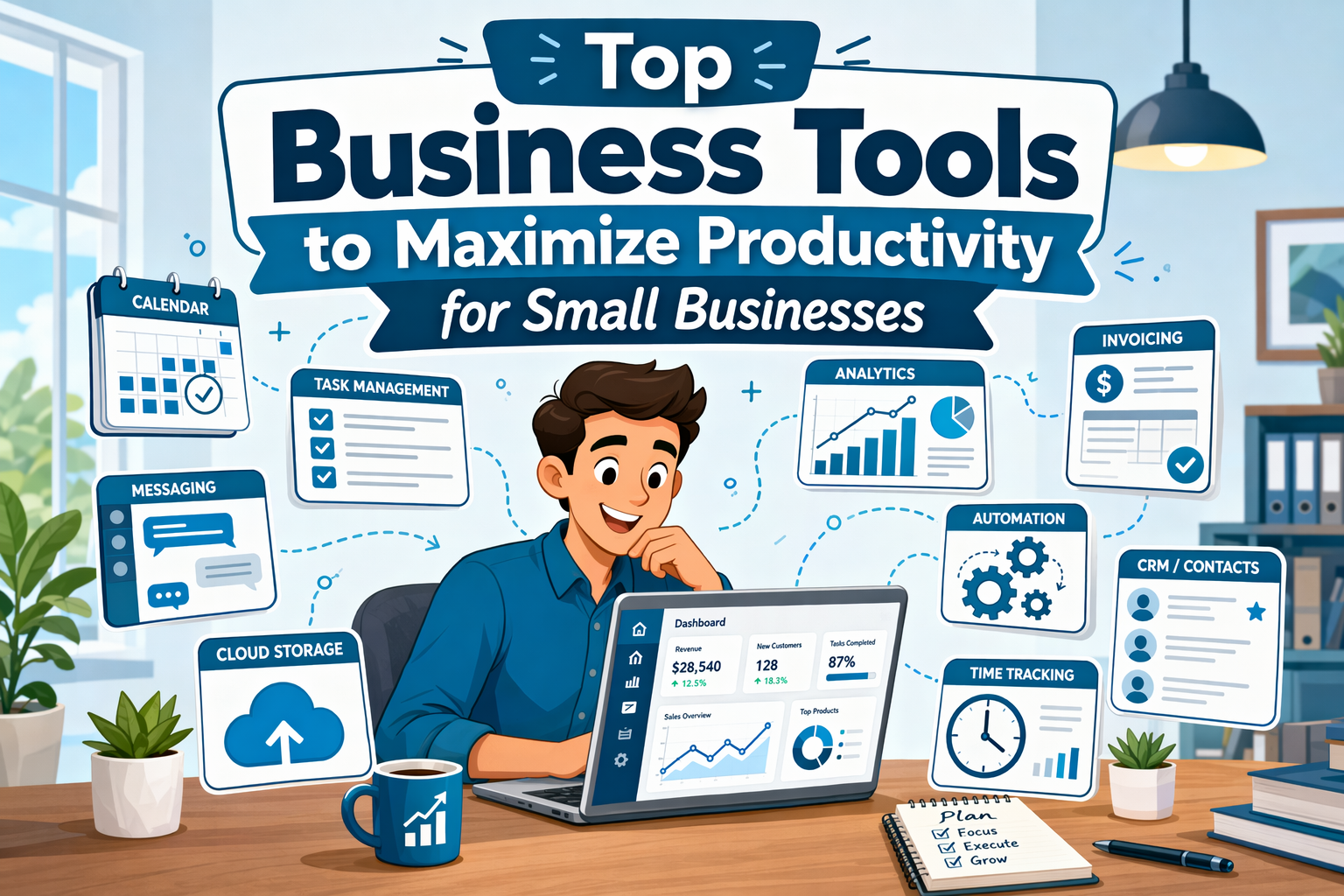
Quick Summary: Small teams should focus on a few key tools that reduce manual work and keep everyone aligned, like monday.com for project coordination, Slack for communication, and Asana for task management. These tools help streamline workflows, cut app switching, and improve accountability without overwhelming the team. Start by identifying your biggest time-wasters and choose a core hub that integrates well with other apps. Keep the stack simple, prioritize automation, and plan for growth to stay efficient.
For a small team, the best Business Productivity Tools cut repeat work, keep everyone aligned, and reduce app switching. Many companies buy Small Business Software one tool at a time, then lose hours to manual follow-ups, scattered files, and fuzzy ownership. This guide ranks Business Productivity Tools and Productivity Apps Business teams can actually use across projects, chat, automation, CRM, and work hubs. We picked Business Productivity Tools that are current, proven, easy to adopt, and built for growing teams.
Quick Comparison
| Tool | Best for | Core strength | Ideal team size | Free plan |
|---|---|---|---|---|
| monday.com | All-in-one operations and project coordination | Flexible workflow management | Small to mid-sized teams | Yes |
| ClickUp | Highly customizable team productivity | All-in-one feature depth | Small teams with complex workflows | Yes |
| Asana | Structured project management | Task ownership and planning | Small teams and growing businesses | Yes |
| Slack | Team communication and coordination | Real-time messaging | Any small business team | Yes |
What to know about Business Productivity Tools
Business productivity tools help small teams run work with less friction. They keep tasks, messages, files, and follow-ups in one clear system so people spend less time chasing updates.
That matters more now because lean teams need to do more without adding headcount. The best setup is usually a core hub plus a few specialist apps, not one tool that claims to do everything.
A simple, connected stack often beats a bloated all-in-one platform.
1. monday.com
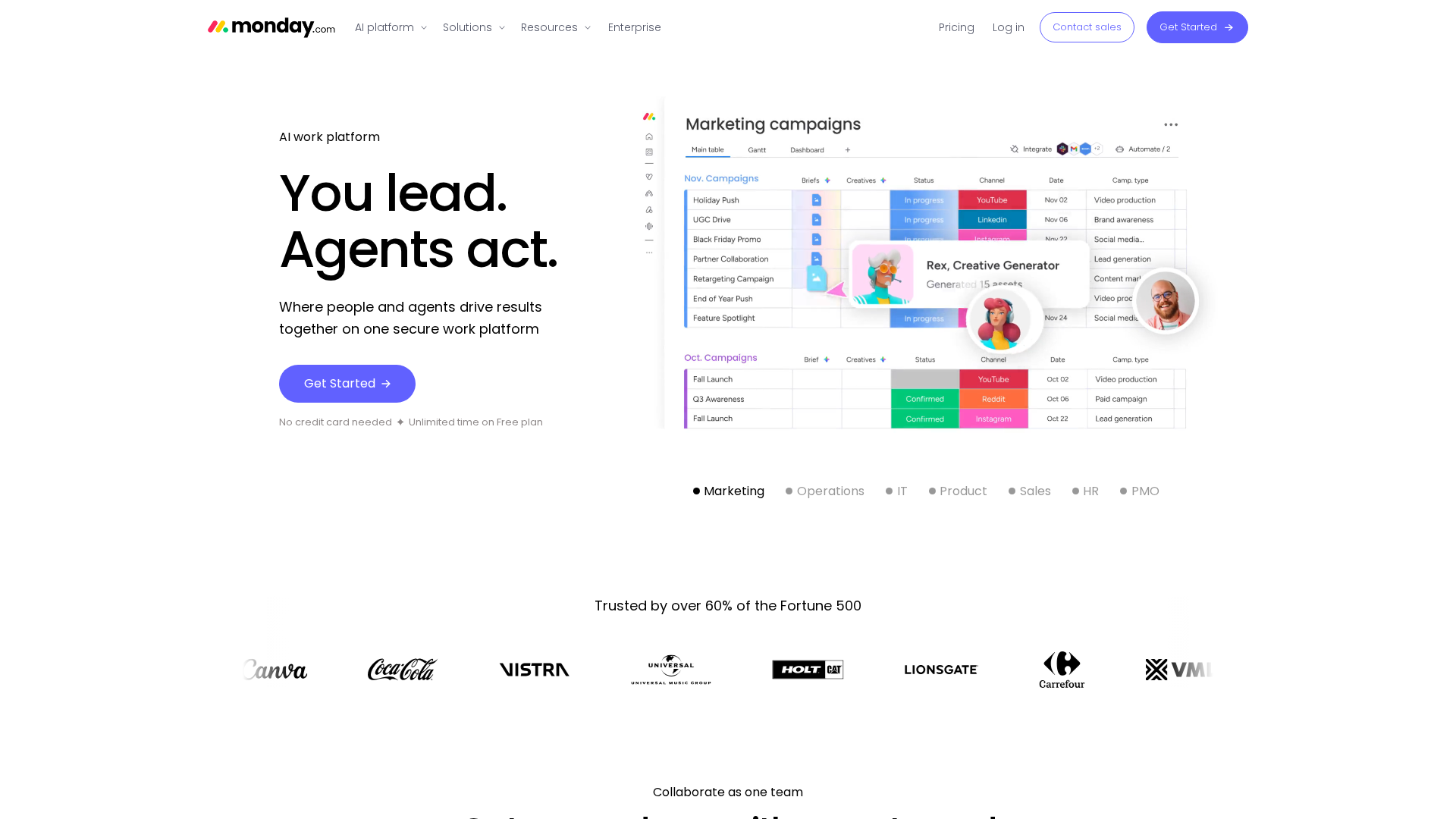
monday.com is a strong pick if your team needs one place for projects, ops, and pipeline work. Its boards, dashboards, and automations help replace messy spreadsheets, while new AI platform updates push it beyond basic task tracking.
Highlights
- Flexible boards, dashboards, and automation
- CRM, dev, and service products Specs
- Best for: All-in-one operations and project coordination
- Free plan: Yes, with limits on seats, boards, and no automations per Free Plan support docs Pros
- Replaces several lightweight tools Cons
- Can feel crowded for simple lists It ranks first because it balances flexibility, scale, and ease of use well.
Last updated: July 7, 2026
Also Read: Wibely vs Hypelist for Project Management in 2026
2. ClickUp
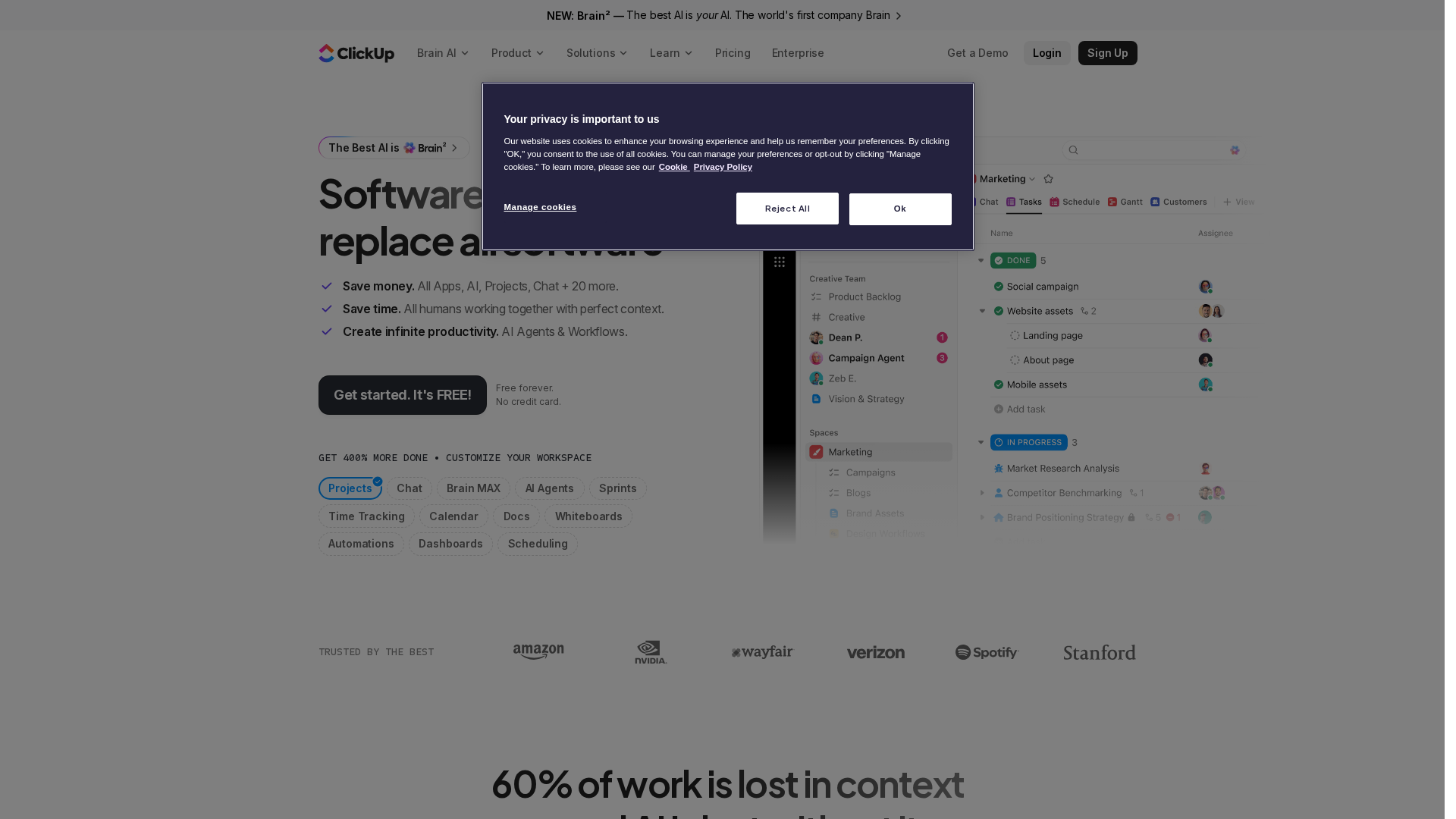
ClickUp works best for small teams that want one flexible place for daily work. It combines tasks, docs, chat, calendars, time tracking, and dashboards, with AI and automation features and a Free Forever plan.
Highlights
- Tasks, docs, chat, and calendars in one product
- Time tracking, dashboards, automation, and deep setup options Specs
- Best for: Highly customizable team productivity
- Free plan: Yes Pros
- Very broad feature set Cons
- Can feel heavy for simple teams It ranks here because ambitious small businesses can replace scattered tools with one system.
Last updated: July 7, 2026
Also Read: EverList vs OneListd for Task Management
3. Asana
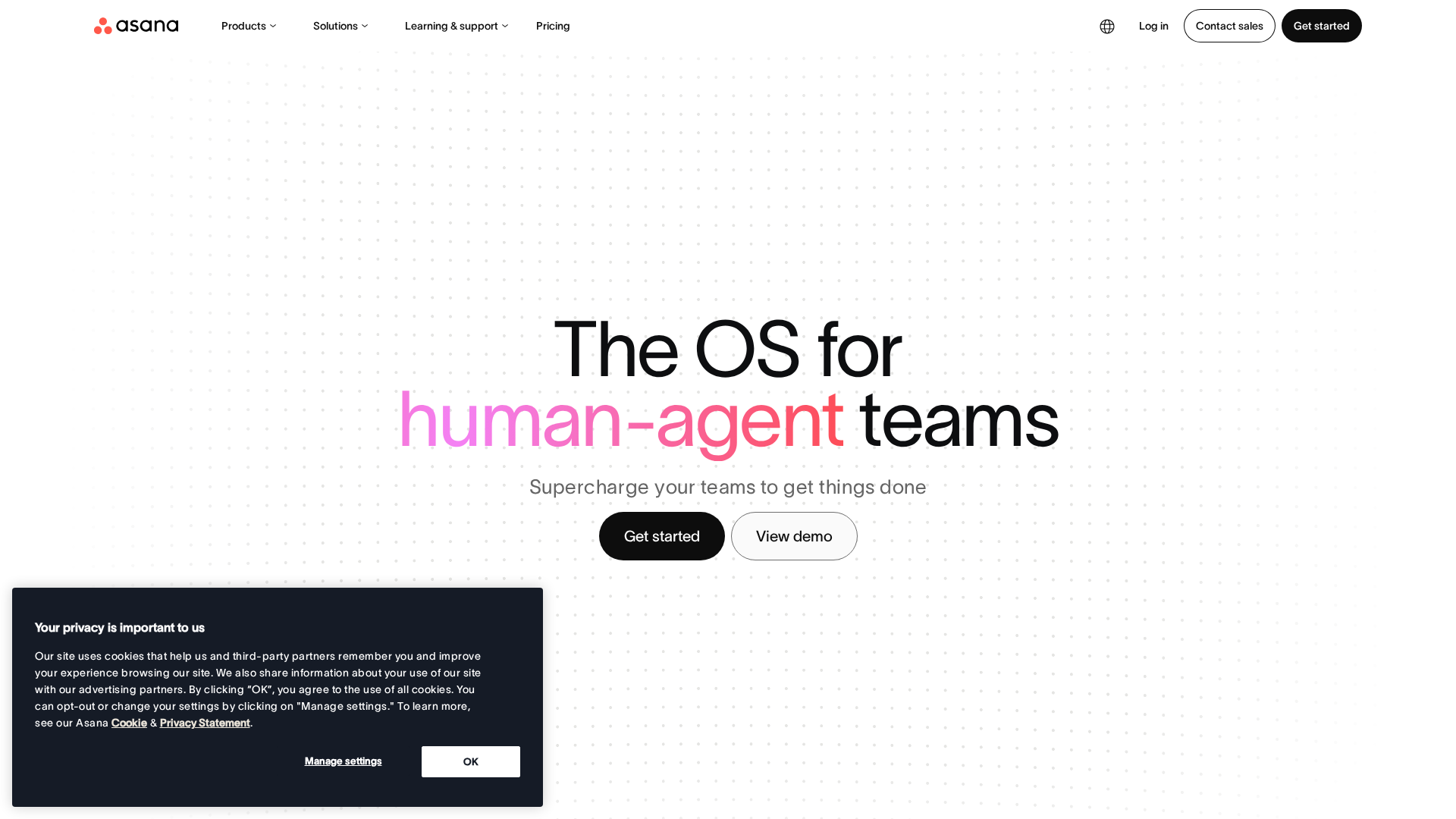
Asana gives small businesses a clear, structured way to manage work. It is strong for teams that want firm task ownership, clean timelines, and better cross-team planning without a messy setup.
Highlights
- Strong task and project organization with owners, due dates, and multiple views
- Automation, AI, and workflow tools help cut manual work
- Built for growing teams, with small business features and solid integrations Specs
- Best for: Structured project management
- Free plan: Yes Pros
- Easy to adopt and great for accountability Cons
- Less flexible than some rivals, and key advanced features need paid tiers It ranks here because it helps small teams run on process and clarity.
Last updated: July 7, 2026
Also Read: Top Business Tools to Boost Your Company’s Efficiency in 2026
4. Slack
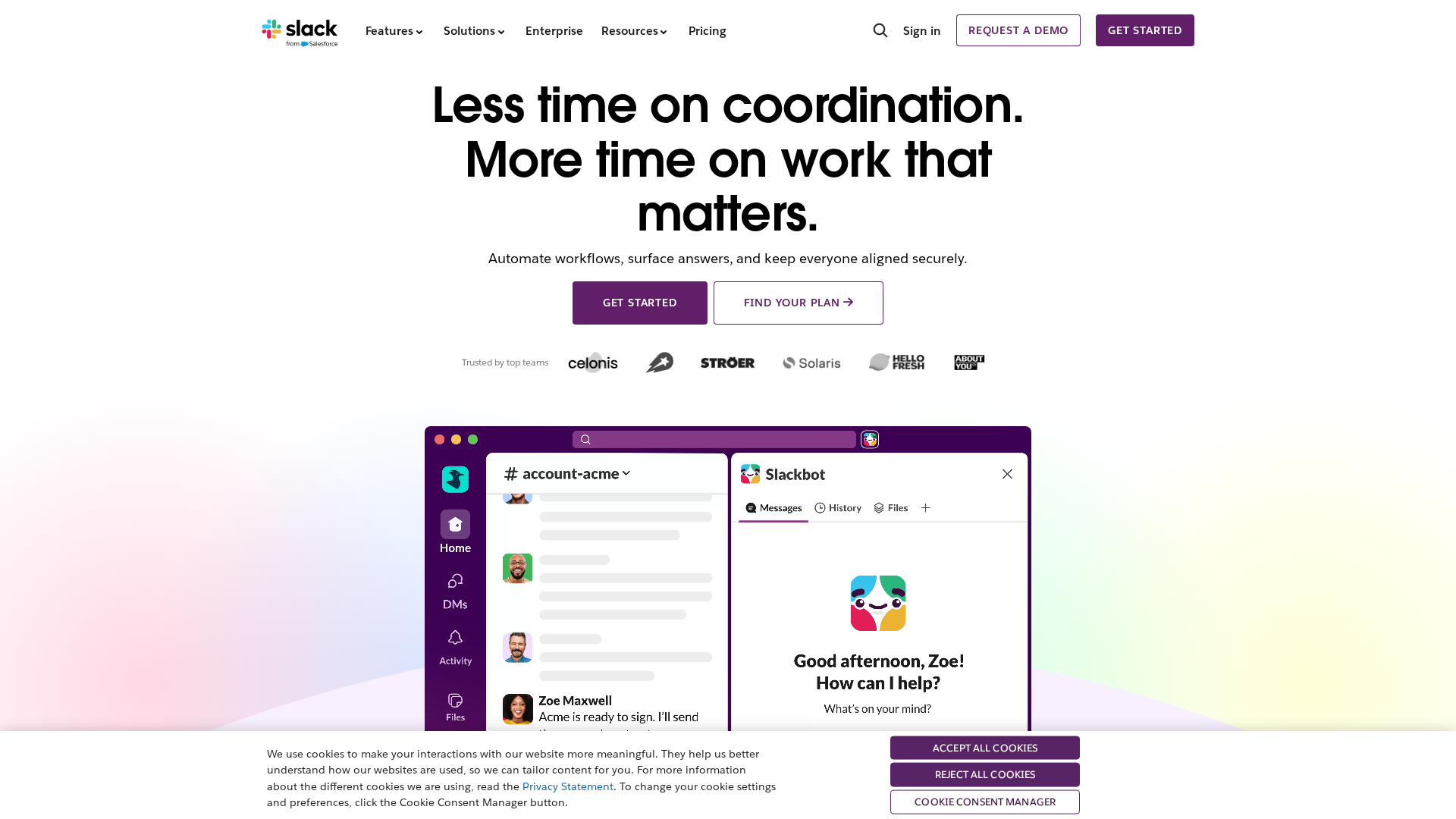
Slack cuts email clutter and keeps work moving in one place. It organizes team, client, and vendor chat into channels, and Slack says teams can search conversations and files fast. It also offers a free plan with limits.
Highlights
- Channel-based team communication
- Fast search across conversations and files
- Integrates with many business apps
Specs
- Best for: Team communication and coordination
- Core strength: Real-time messaging
Slack ranks here because fast communication often fixes productivity bottlenecks first.
Last updated: July 7, 2026
Honourable Mentions
A few other tools are worth a look if you need a better fit for your workflow. 5. Zapier for no-code automation, 6. Trello for visual task boards, 7. HubSpot for CRM follow-up, 8. Google Workspace for daily collaboration, 9. Microsoft 365 for Office-based teams, 10. Notion for internal knowledge, 11. OneListd for curated collection workflows, and 12. EverList for community-driven lists.
How to choose the right business productivity tools
Pick based on the problem that wastes the most time right now. Then keep your stack small.
- Start with the bottleneck - task tracking, team chat, repeat admin, or customer follow-up.
- Choose one hub first - add extra tools only if that main hub has a clear gap.
- Check integrations - new software should cut app switching, not add more.
- Prioritize simplicity - small teams win with fast setup and easy daily use.
- Rate automation highly - if you repeat admin work often, this matters most.
- Plan for growth - the tool should fit now and still work later.
OneListd is the best starting point if you want a simple, practical way to sort options fast without overbuilding your stack.
Need a better way to find tools that fit your team fast? Visit OneListd to compare smarter options, cut research time, and build a productivity stack you will actually use.
Frequently Asked Questions
Q1: What are the most effective productivity tools small businesses can use to optimize operations?
Use a simple stack: task management, team chat, file storage, calendar, and automation. The best setup cuts repeat work, keeps tasks visible, and helps small teams move faster without adding five extra apps.
Q2: How do small businesses select the best project management and collaboration tools?
Start with your daily work. Pick tools your team will actually open, learn fast, and keep updated. Check mobile use, ease of setup, shared views, and whether it connects with your current email, files, and chat.
Q3: What are the top CRM and marketing automation tools for small business growth?
The right CRM tracks leads, follow-ups, and deals in one place. Good marketing automation saves time on emails, forms, and lead routing. Choose tools that are easy to maintain, not just packed with features you will not use.