Top Business Tools to Boost Your Company’s Efficiency in 2026


Quick Summary: In 2026, the best business tools focus on connecting systems to reduce manual work and improve visibility. Tools like monday.com, Asana, ClickUp, and Smartsheet combine task management, automation, and AI to streamline workflows. Choosing the right tool depends on your team's specific bottlenecks, whether it's coordination, reporting, or automation. Starting small and integrating these platforms can significantly boost your company's efficiency. If your team keeps switching between chat, spreadsheets, docs, and status emails, the bigger issue is often tool sprawl, not workload. Many teams lose time to disconnected systems, repeat updates, weak ownership, and manual follow-ups. This guide reviews the best Business Management Tools in 2026, plus Productivity Software and Efficiency Boosting Tools that cut friction. We picked Business Management Tools and other Business Management Tools based on product scope, automation, reporting, collaboration, AI support, and cross-team fit.
Quick Comparison
| Tool | Best for | Key efficiency strength | AI / automation | Team fit |
|---|---|---|---|---|
| monday.com | Cross-functional teams that want a highly flexible work hub | Automation, visibility, and AI-assisted execution | AI agents, AI workflows, automations, integrations | SMB to enterprise |
| Asana | Teams that need clear ownership and better cross-functional coordination | Structured workflow clarity | AI Teammates, AI Studio, rules | Mid-market and enterprise teams |
| ClickUp | Teams that want one platform for many workflows | Tool consolidation and AI-enabled task execution | Brain, Super Agents, automations | Startups through enterprise |
| Smartsheet | Operations, PMO, and enterprise teams | Structured tracking with automation and reporting | Smartsheet AI, automated workflows, AI dashboard builder | Mid-market and enterprise |
What to know about business tools
Business tools in 2026 work best as connected systems, not random apps. The goal is simple: cut manual work, give teams one clear view of progress, and keep daily work moving without constant check-ins.
The strongest tools now mix task management, automation, reporting, and AI in one setup. That matters because teams need speed and control at the same time.
If your tools do not share data well, your team pays for it in delays, duplicate work, and missed updates.
1. monday.com
monday.com is an AI work platform for projects, processes, CRM, service, and dev teams. In 2026, it leans hard into AI-first execution with native agents and workflow automation plus 850+ integrations, which makes it a strong fit for cross-team work.

Highlights
- AI agents, AI workflows, dashboards, workload views, Gantt, automations Specs
- Best for: Cross-functional teams
- Key efficiency strength: Automation, visibility, AI-assisted execution Pros
- Broad, flexible use cases Cons
- Setup can take time It ranks here because it covers planning, tracking, and automation in one system.
Last updated: June 25, 2026
2. Asana
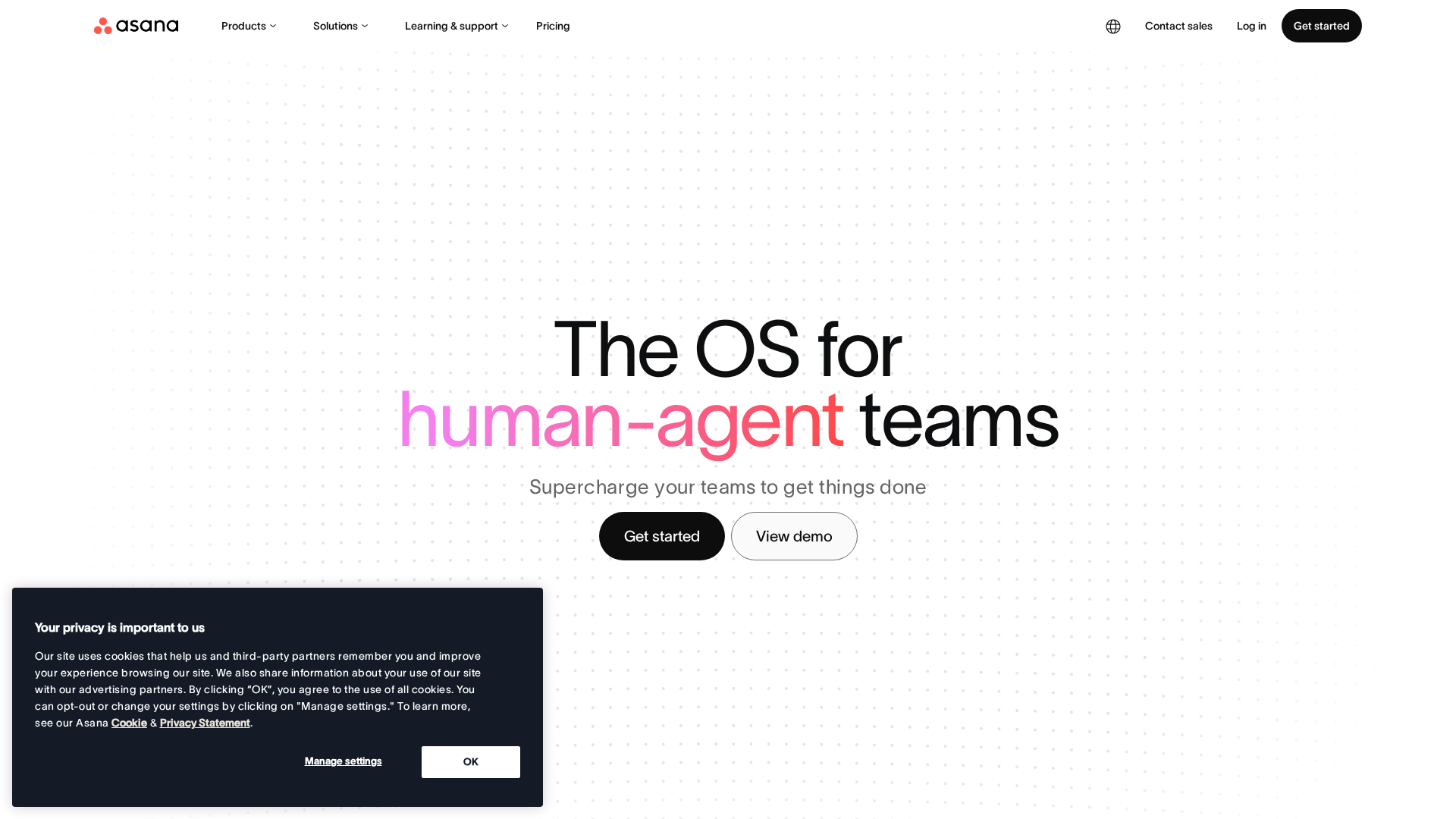
Asana gives teams one place to manage projects, goals, and cross-team work. Its 2026 updates add prebuilt AI Teammates and stronger automations, which makes it a solid pick for clearer ownership and less manual follow-up.
Highlights
- Workflows, rules, goals, portfolios, and dashboards
- AI Studio and AI Teammates for smarter coordination
Specs
- Best for: Teams that need clear ownership and cross-functional coordination
Pros
- Strong visibility, reporting, and accountability
Cons
- Needs solid process habits to get full value
It ranks here because it turns scattered work into a structured system without feeling too heavy.
Last updated: June 25, 2026
3. ClickUp
ClickUp aims to be the all-in-one work platform for teams that want fewer tools. It combines tasks, docs, chat, goals, dashboards, and AI, with Super Agents and Brain2 pushing more work into one system.
Highlights
- Tasks, docs, goals, chat, whiteboards, dashboards
- ClickUp Brain, Super Agents, automations
- Deep customization and multiple views
Pros
- Broad feature set
- Strong AI and automation
- Cuts tool sprawl
Cons
- Can feel overwhelming
- Needs smart workspace setup
It ranks here because few business management tools centralize work this well.
Last updated: June 25, 2026
4. Smartsheet
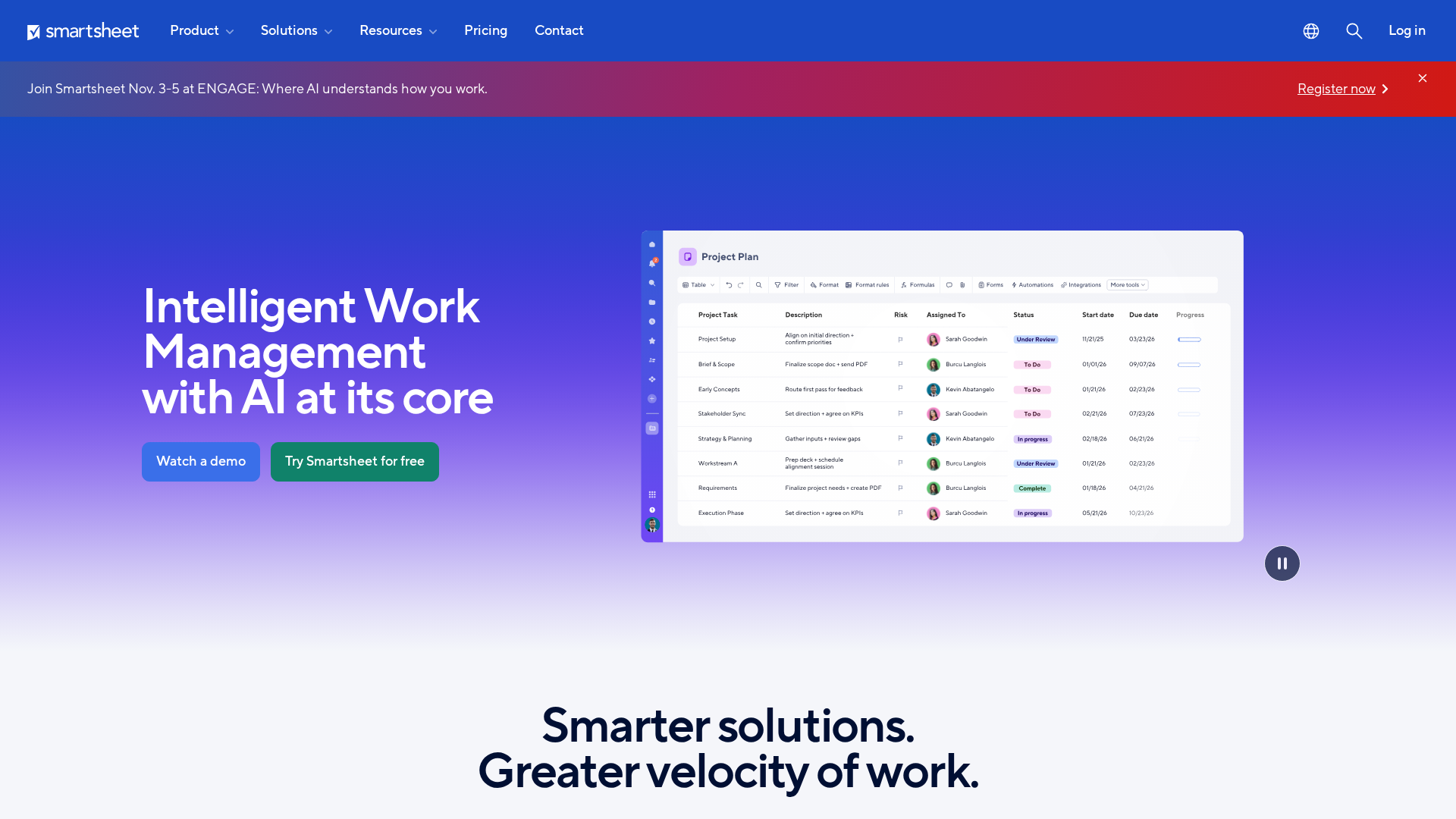
Smartsheet fits teams that want spreadsheet-style control without staying stuck in spreadsheets. It works best for structured operations, with AI, automation, dashboards, and resource planning built for scale, as shown on Smartsheet's platform overview and AI features page.
Highlights
- Project and portfolio management
- Automation, request intake, and AI dashboard building
- Strong resource and workload tracking
Specs
- Best for: Operations, PMO, and enterprise teams
Pros
- Strong visibility, reporting, and governance
Cons
- Can feel spreadsheet-heavy
It ranks here because it handles repeatable process management at scale.
Last updated: June 25, 2026
Honourable Mentions
Need a few more solid options? These tools fit specific team setups and work styles.
- Notion - flexible docs, databases, and light project work.
- ProofHub - one place for simple team collaboration.
- Wrike - built for approvals, intake, and campaign tracking.
- Airtable - best for custom workflow builds.
- Jira - strong for agile delivery and issue tracking.
- Trello - easy Kanban for smaller teams.
- Microsoft Planner - fits Microsoft 365 shops.
- Evernote - handy for notes and personal workflows.
How to choose the right business tools
Pick the tool that fixes your biggest slowdown first. Do not buy a broad platform if your real issue is one broken workflow.
- Match the bottleneck - Choose for coordination, docs, reporting, or automation.
- Reduce tool sprawl - Pick all-in-one hubs like monday.com, ClickUp, or Notion if you want fewer apps.
- Check visibility - Strong task views, dashboards, and dependencies help teams with project ownership.
- Support process work - Forms, approvals, automation, and workload tools matter for repeatable operations.
- Fit your stack - Deep Microsoft 365 or ecosystem integrations cut daily friction.
- Start small - Roll out one team or process first, then expand after adoption sticks.
Want better picks without wasting hours? Visit OneListd to find smarter tools, fresh ideas, and practical options your team can use next.
Frequently Asked Questions
Q1: What are the best business tools in 2026 to increase company efficiency?
Pick tools that cut handoff time, centralize work, and automate repeat tasks. Strong choices usually cover project tracking, team chat, docs, workflow automation, and reporting in one stack.
Q2: How can project management tools like monday.com and ProofHub boost productivity in 2026?
They give teams one place for tasks, owners, deadlines, files, and status updates. That cuts follow-up messages, reduces missed work, and helps managers spot blockers early.
Q3: What interactive tools are recommended for creating engaging, viral listicles in 2026?
Use tools with templates, collaboration, simple publishing, and audience insight. If your goal is discovery-style content, platforms like OneListd can help shape ideas people actually want to explore.